

Plex Rewind – Year in Review
Plex Rewind is your yearly watch recap. It summarizes what you watched, when you watched it, and how deep you went. Plex Exclusive: it only includes Plex watch data.
Request Access
Submit the form below to get access. Once approved, continue to Step 1.
Open Plex Rewind
Important: Plex Rewind uses Plex Authentication. You must have Plex access first. This does not use Jellyfin data.
Step 1: Log In With Plex

- Go to
https://rewind.thedeepzone.app - Click Log in with Plex.
Step 2: Start Your Rewind
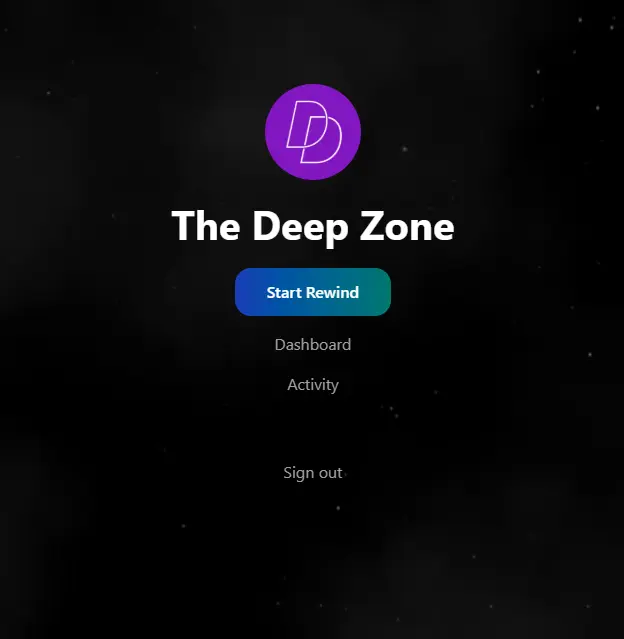
- After signing in, click Start Rewind.
- Use Dashboard and Activity to explore your stats.
If it looks empty, it usually means your Plex watch history is limited.
Preview Video: What Plex Rewind Looks Like
Here’s a short preview of the Plex Rewind experience.
Your actual Rewind will reflect your Plex watch history.
Done ✅
- Plex Exclusive: Only Plex watch data is included.
- No Jellyfin tracking.
- If you want next year’s recap to be legendary, you know what to do.