

Plexamp
Plexamp is the premium audio app for Plex. Right now it works great for Audiobooks (and Podcasts), and I’ll be adding a full Music library once the server gets a storage upgrade.
Request Access
Submit the form below to get access. Once approved, continue to Step 1.
Open Plexamp
Important: Plexamp uses Plex Authentication. You’ll sign in with your Plex account.
Step 1: Welcome Screen
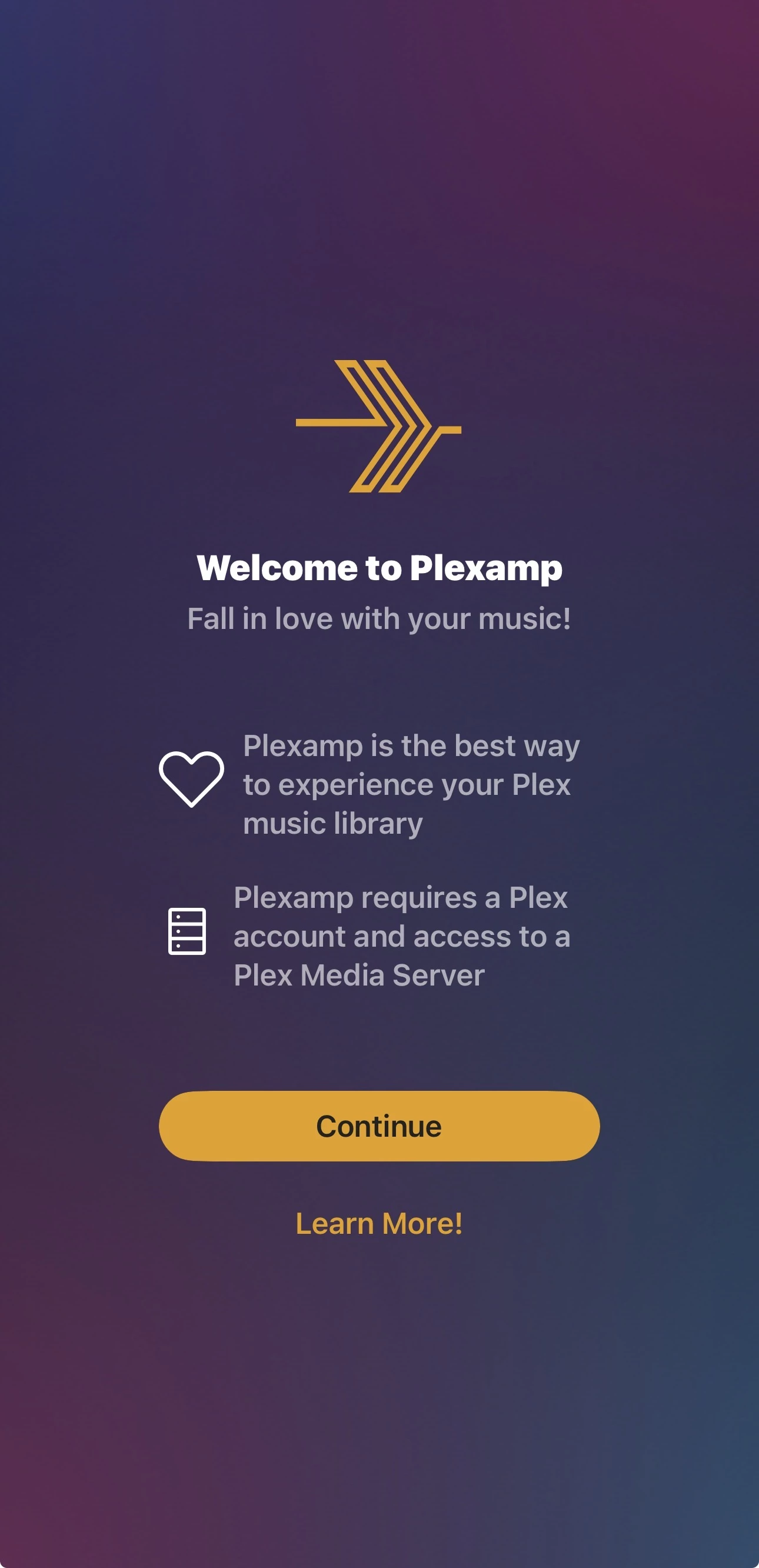
- Install and open Plexamp.
- Tap Continue.
Step 2: Sign In
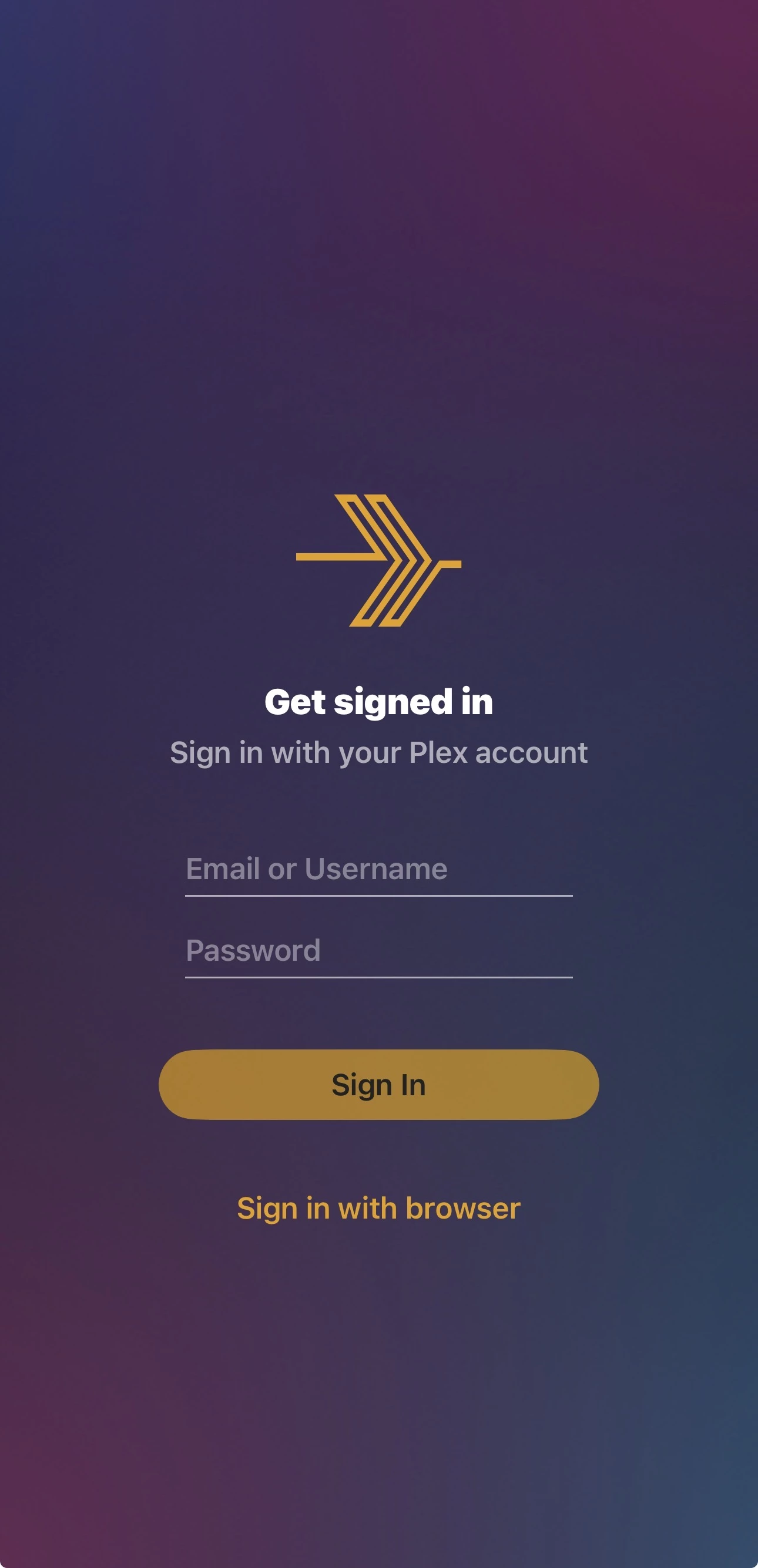
- Sign in with your Plex account.
- If you prefer, use Sign in with browser.
Step 3: Select a Library
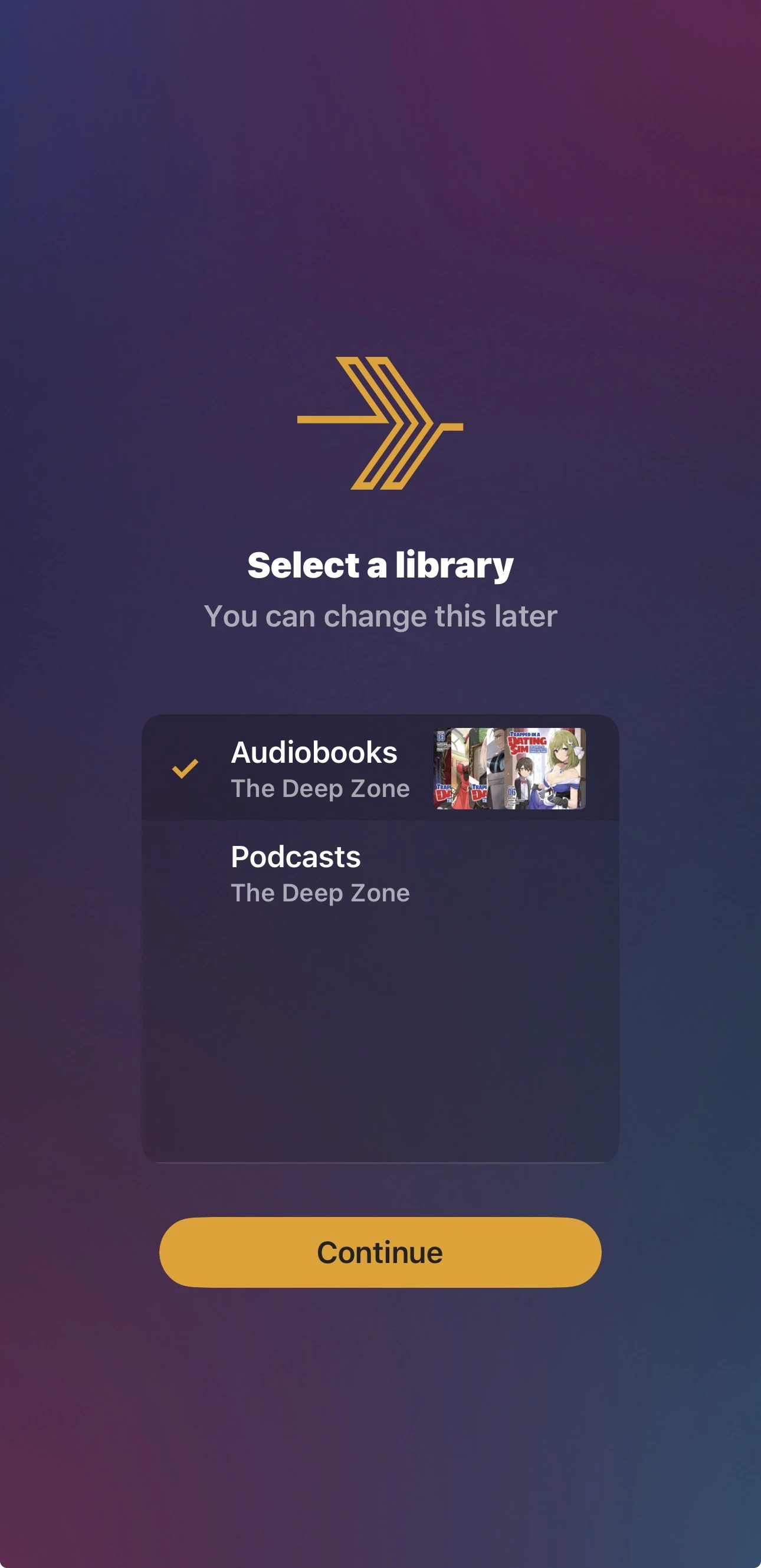
- Select Audiobooks (recommended).
- You can change this later.
- Tap Continue.
Step 4: You’re In
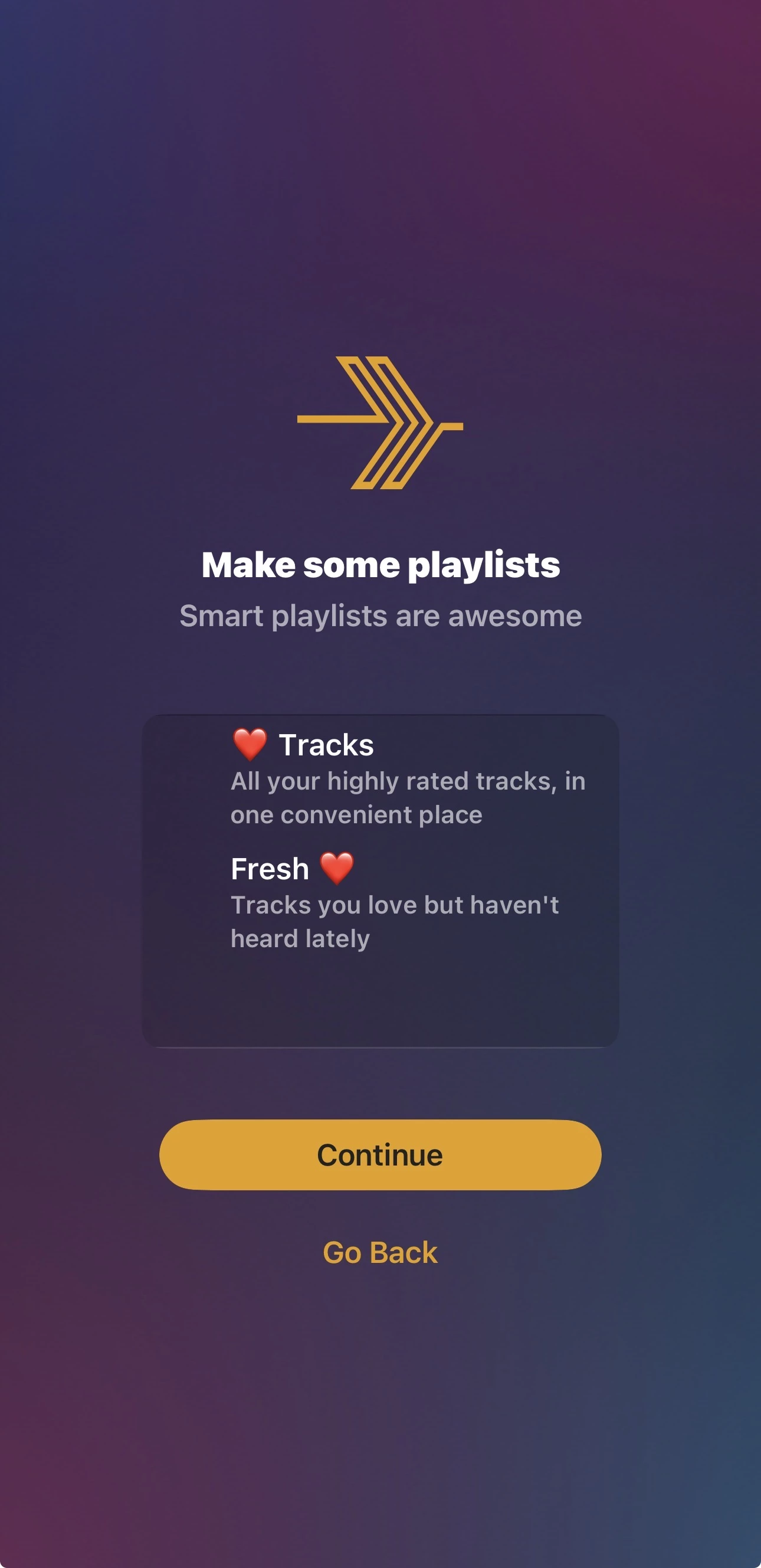
- You should now be browsing your selected library on The Deep Zone.
- Use the search tab to find titles quickly.
Step 5: Music Library Status
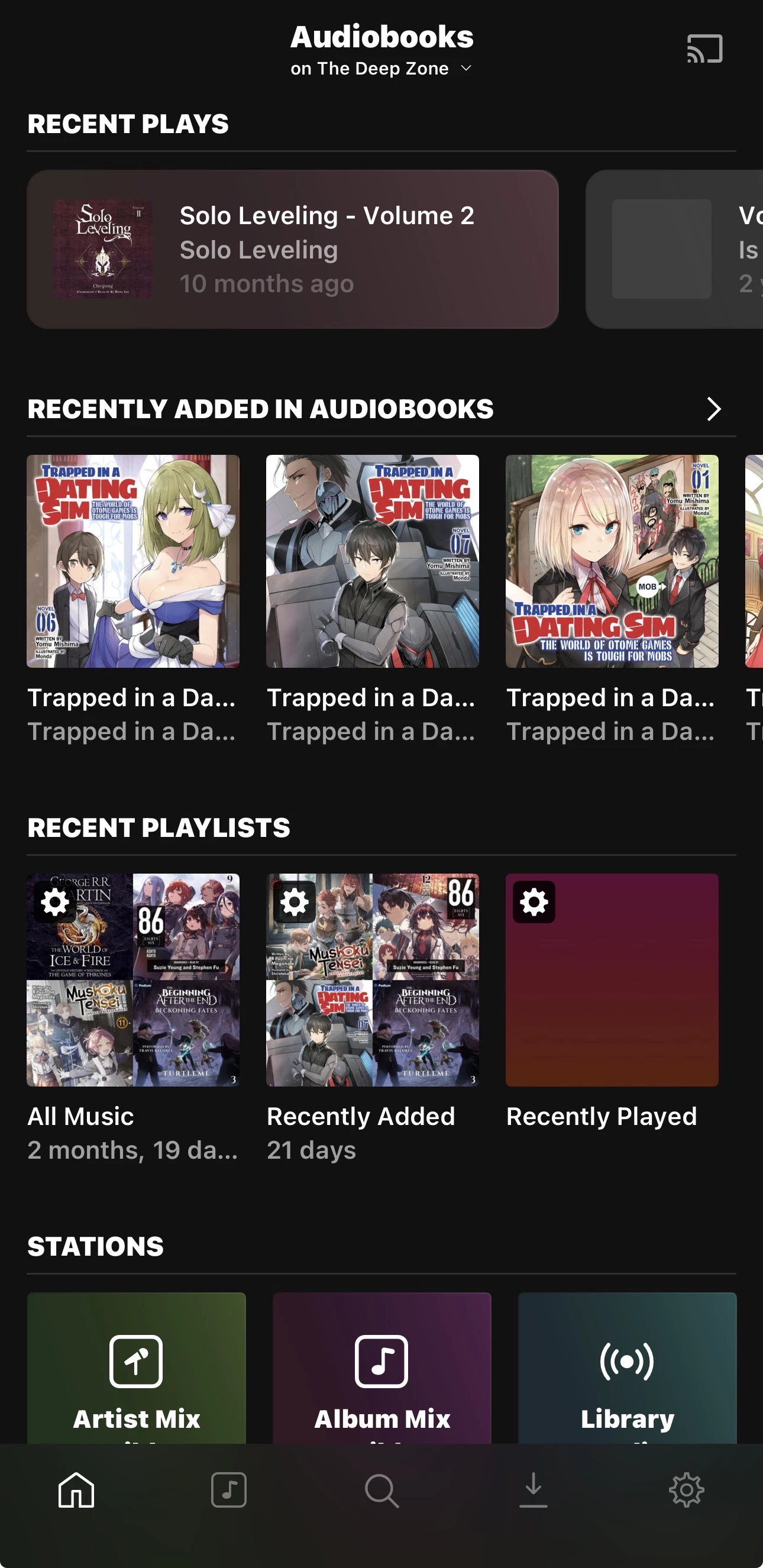
Right now Plexamp is primarily used here for Audiobooks (and Podcasts). A dedicated Music library will be added once the server storage is upgraded.
Step 6: Optional – Search All Libraries
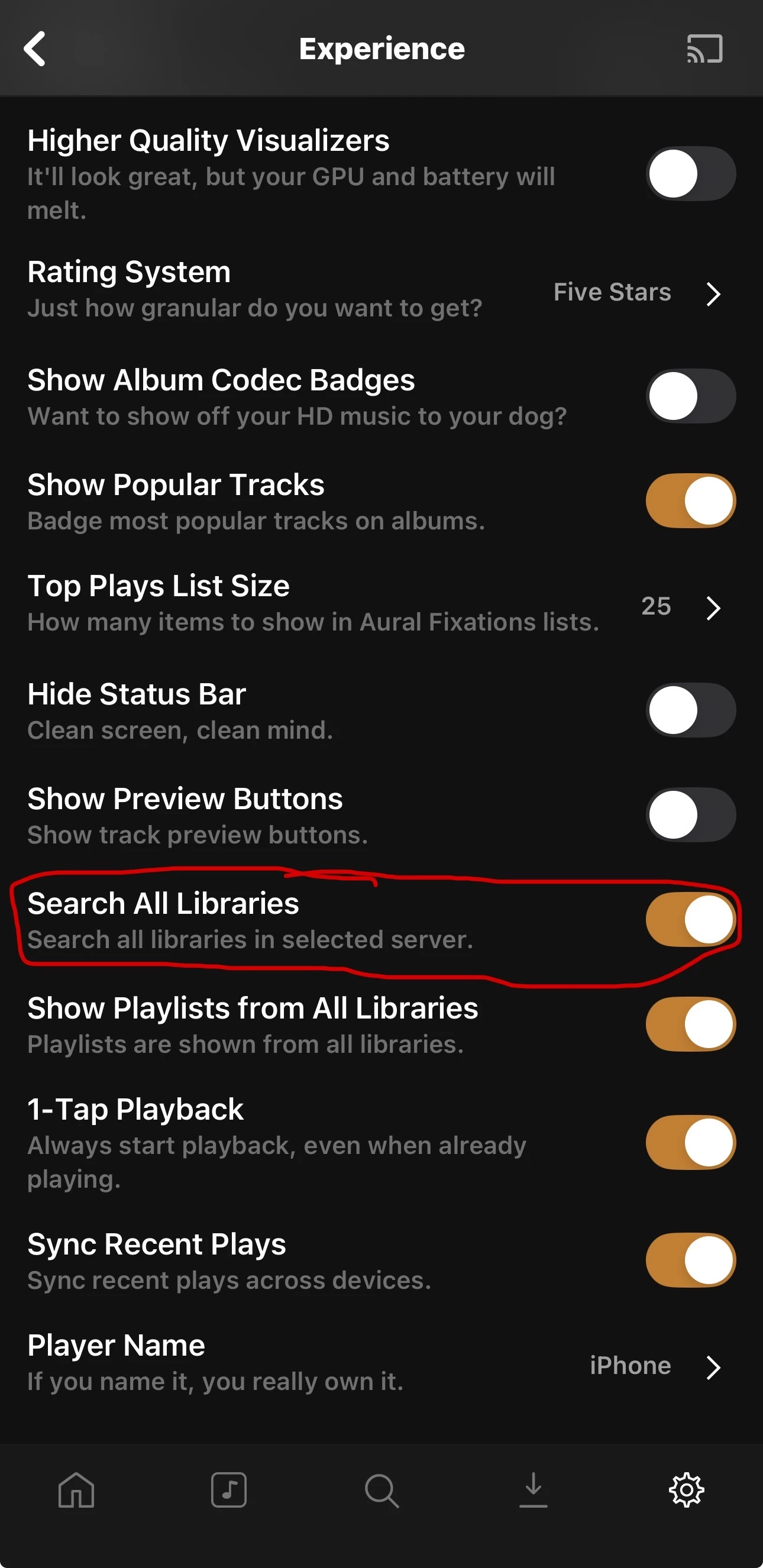
If you want Plexamp to work across Audiobooks + Podcasts at the same time, enable:
- Go to Settings
- Open Experience
- Enable Search All Libraries
Done ✅
- Plexamp uses Plex login.
- Works great for Audiobooks right now.
- Music library will be added after a storage upgrade.
- Enable Search All Libraries if you want Audiobooks + Podcasts together.